Groupset — User Guide
Groupset is the app your mountain-bike team uses every day. It keeps the roster, schedule, attendance, payments, communication, and performance data for a high-school MTB team in one place — on your phone and in your browser.
Teams have five kinds of people, and the app looks different for each:
| Person | What they use Groupset for |
|---|---|
| Team owner | Owns the team and has the same powers as a team admin — runs the team alongside them. |
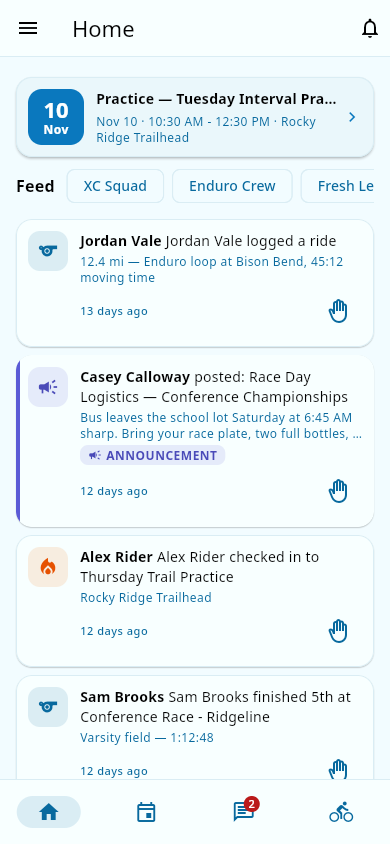
| Team admin | Runs the team: manages the roster, sets fees and promo codes, configures settings, reviews reports and coach requests, connects the team's payment account, and posts volunteer opportunities. |
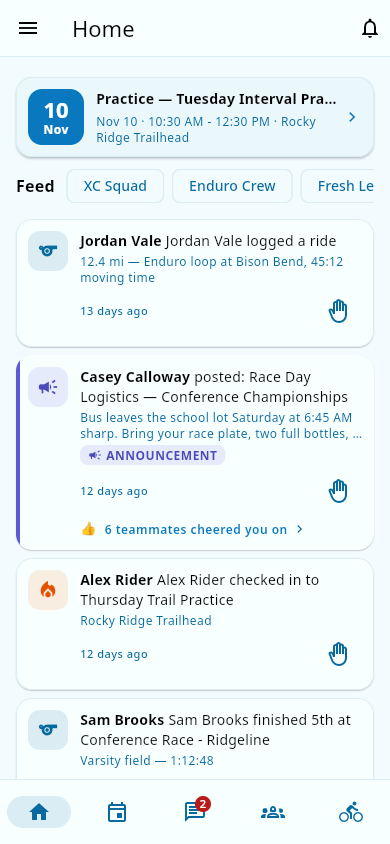
| Coach | Leads scheduled practices and races, takes attendance, checks athletes into groups, files reports, and reads the weekly coach briefing. |
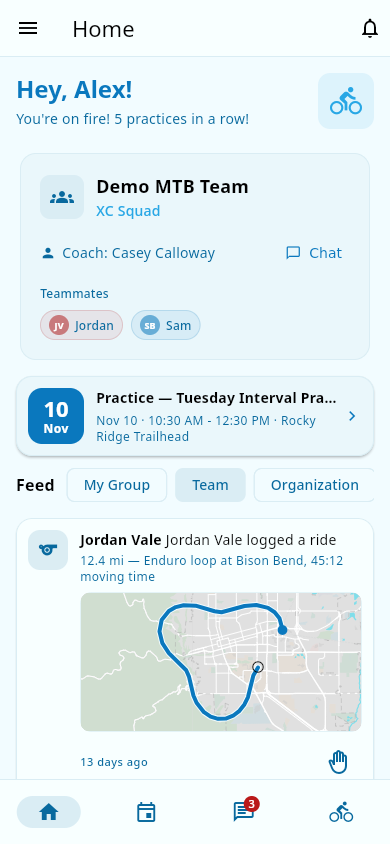
| Athlete | Has practice attendance taken by coaches, RSVPs to social events, syncs rides from Strava, and views their own performance and attendance. |
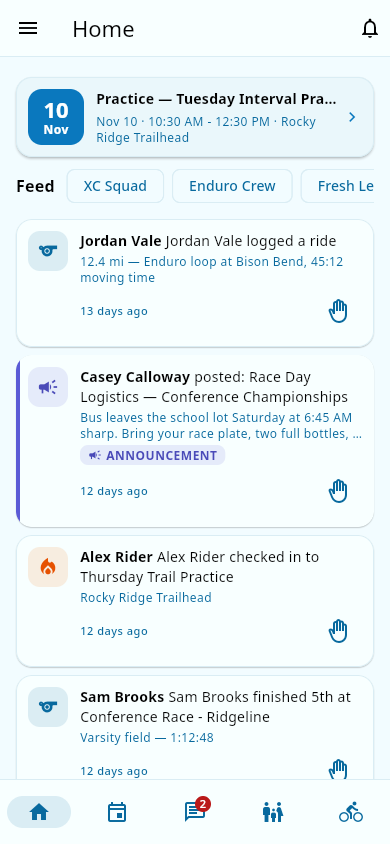
| Parent | Registers athletes, pays team fees, manages consent forms, claims volunteer shifts, views their children's attendance and progress — and can ask to become a coach. |
Here is the Home dashboard each role sees:
| Athlete | Parent |
|---|---|
 |
 |
| Coach | Team admin |
 |
 |
Where to start
- New to Groupset? Read Getting started: install the app, create your account, and register an athlete.
- Done the basics? Browse the Guides for how-to walkthroughs of every feature — events, attendance, payments, chat, results, and more.
- Setting things up? Team admins: the Configuration section covers fees, promo codes, passcodes, notification preferences, and payment-account setup.
- Something not working? The Troubleshooting section lists common problems with what to do about each.
- Need a person? The Getting help page explains how to reach the team behind Groupset for anything the wiki doesn't cover.
- Need a definition? The Glossary explains every term in plain English. See also Roles and permissions and Core concepts.
- Curious what's new? The Changelog summarizes changes you can actually see in the app.
How this wiki works
- Every page tells you who it's for and what you'll be able to do after reading it.
- Steps are written for non-engineers — no developer jargon. When a technical term is unavoidable, it links to the glossary.
- Anything the app doesn't tell us (yet) is tracked as an open question for the team behind Groupset, rather than guessed at on the pages.
A note on platform differences
Groupset runs on Android and iOS phones, and in the web (browser). The phone app is the primary experience; the web version is there when you don't have your phone. A few flows look different on a phone versus a browser (for example, paying a fee: a secure payment form appears inside the app on mobile, while the browser opens a secure payment page) — those differences are called out on the relevant pages.